
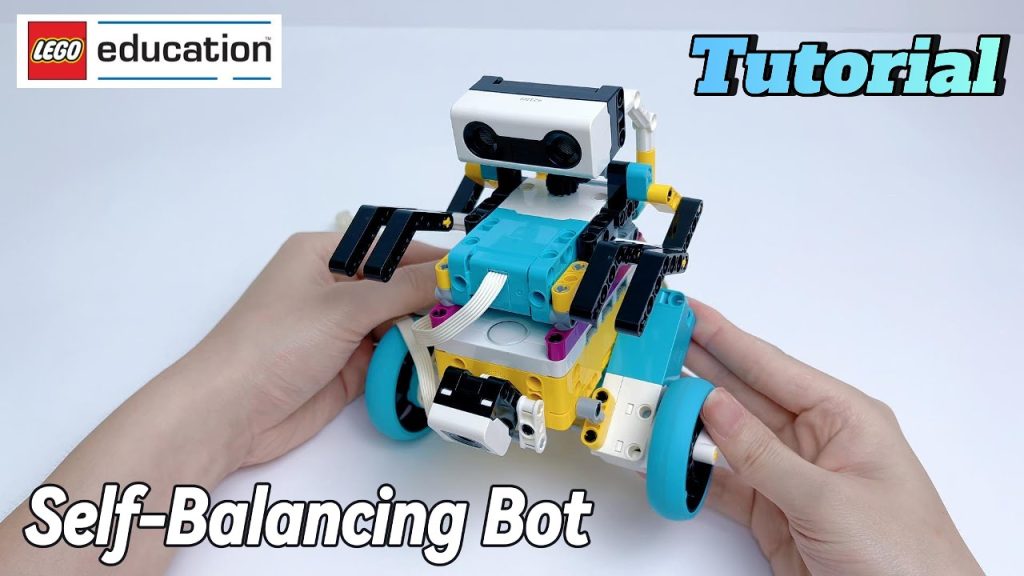
Remember the self-balancing robot from last time? Today, let’s unveil its secrets!
👇
A Self-Balancing Robot is a type of robot that can adjust its posture and remain upright at all times. This is mainly achieved through a gyroscope sensor and a PID control algorithm.
Before building, we will use BrickLink Studio for 3D modeling. This professional LEGO design software helps children plan their robot’s structure and part combinations on a computer, improving building efficiency.
The robot mainly consists of the following components:
During the design process, children will learn:
To achieve real self-balancing, we need to program a PID control algorithm.
PID (Proportional-Integral-Derivative) control is a classic automatic control algorithm that allows the robot to adjust motor speed in real time to maintain balance.
🔍 Think of balancing a pencil on your palm! 🖐️✏️
Sounds simple, right? 😌 In our course, children can choose Scratch block coding or Python programming to implement PID control, allowing the robot to balance itself and move forward or backward.
Once the robot is built and programmed, we will conduct multiple rounds of testing to optimize performance.
So, how does a self-balancing robot stay upright? The answer is revealed, but this is just the beginning of our tech exploration! 🚀
Through hands-on experience and problem-solving, children grow with every challenge. What other optimizations can they come up with? What even cooler robots can they create?
Join our LEGO SPIKE course and push the boundaries of imagination—where innovation becomes reality! 🤖✨